


Turn blurry graphics into crisp, high-resolution prints instantly. Explore the best AI image editors and image upscalers in 2026, featuring top-perfor
Guide to the Best AI Image Editors and Image Upscalers
Low-resolution product photos or blurry assets can drive your potential customers away. Standard stretching makes your images look fuzzy and unprofessional. You need crisp, high-resolution visuals to build trust and boost your conversion rates. Modern super-resolution tools solve this issue by predicting and adding missing pixels to restore your files.
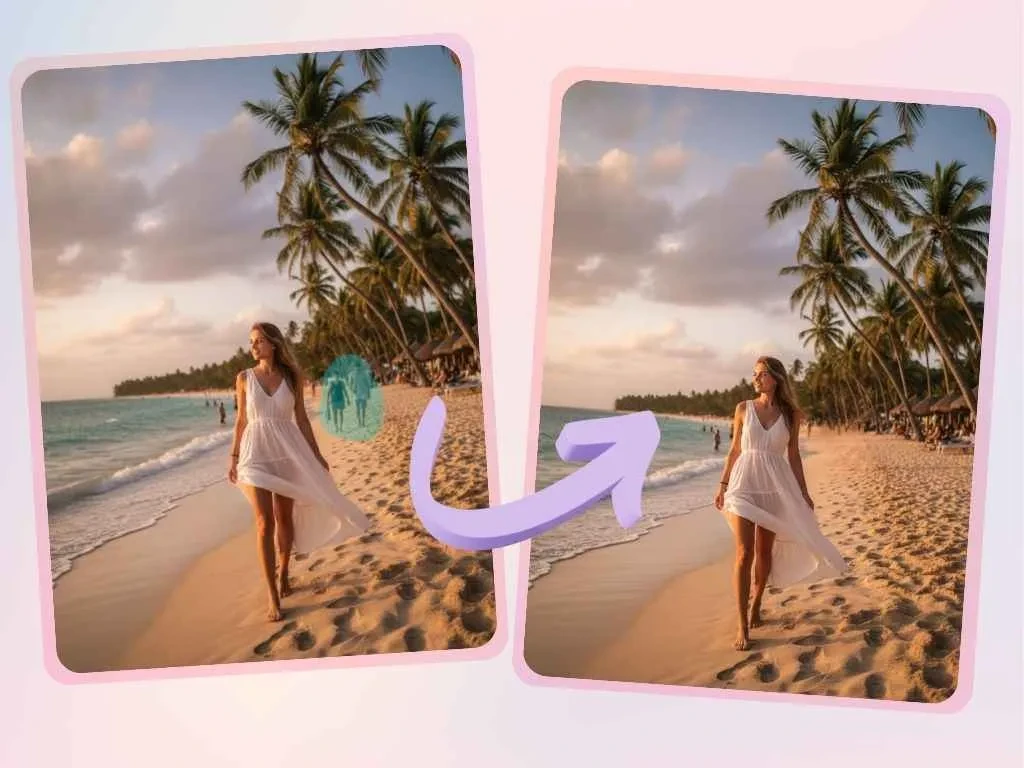
If you want to transform blurry graphics into clean prints, you need an intelligent AI image editor to upgrade your library. Traditional designers spend days recreating missing details by hand. Now, you can upscale image files in a few seconds using cloud-based algorithms. This technology sharpens edges and deepens textures while keeping the original look of your photo intact.
The image processing software market is changing rapidly. Legacy design suites are adding automated tools, while lightweight web applications gain popularity due to their fast response times. These smart platforms provide reliable results whether you are fixing an old family photo or optimizing new marketing assets.
2026 Image Enhancement Tools Comparison
Use the comparison table below to find the best upscale solution for your workflow.
|
Software Name |
Technical Approach |
Maximum Scale |
Best Art Style |
|
EzCreate AI |
Contextual detail generation |
4x enlargement |
Creative ads and illustrations |
|
EzRemove AI |
Super-resolution pixel prediction |
8x HD enhancement |
E-commerce product photos |
|
Aiarty Image Enhancer |
High-fidelity texture restoration |
4x to 8x upscale |
Realistic portraits and journalism |
|
Magnific AI |
Diffusion model hallucinations |
16x extreme scale |
3D renders and fantasy art |
|
Upscayl |
Local open-source models |
4x local upscale |
Anime illustrations and daily edits |
1. EzCreate AI
Overview
EzCreate AI combines traditional editing functions with creative detail extension. It goes beyond basic pixel multiplication by analyzing the context of your image. If you upload a simple sketch or a low-quality draft, the platform can add realistic details to turn it into a commercial-grade piece.
Key Features
- Guided image-to-image enhancement adds creative depth to basic drafts.
- Automated subject detection sharpens main elements while blending backgrounds.
- Multiple style transfer options allow you to change the texture of your file.
- The web interface supports dragging and dropping multiple files for fast processing.
Pros & Cons
- Pros: It excels at adding believable lighting and textures to creative concepts.
- Cons: It might add unwanted artistic details to strict documents or technical charts.
- Best For: Concept artists and advertising copywriters who need fast visual mockups.
2. EzRemove AI
Overview
EzRemove AI offers a straightforward utility for e-commerce and social media users. Its super-resolution module fixes common photography issues like camera shake and low-light noise. The enlargement process focuses on clean pixel reconstruction without artificial smudging.
Key Features
- One-click enhancement expands your files up to eight times their original size.
- Built-in noise reduction cleans up JPEG compression artifacts instantly.
- Fast cloud processing finishes single image upgrades in under ten seconds.
- Exported files match the exact size requirements of major online marketplaces.
Pros & Cons
- Pros: The upscaled lines look sharp and realistic without any plastic texture.
- Cons: The platform does not include complex layer controls or manual brushes.
- Best For: Online store owners who need to improve large batches of product photos.
3. Aiarty Image Enhancer
Overview
Aiarty Image Enhancer is a professional tool highly regarded by photographers. It avoids the artificial look often caused by AI upscaling. The software preserves natural skin textures and camera grain while removing unwanted noise and color bleeding.
Key Features
- Specialized skin and hair protection loops keep portraits looking natural.
- Custom profiles adjust the enhancement based on the type of camera gear used.
- Direct support for large RAW files allows you to maintain maximum data depth.
- Side-by-side comparison sliders help you check local sharpness before saving.
Pros & Cons
- Pros: Portrait enhancements look incredibly authentic, keeping real pores and details.
- Cons: The desktop application requires substantial local computer resources to run.
- Best For: Portrait and documentary photographers who demand high detail accuracy.
4. Magnific AI
Overview
Magnific AI is a well-known tool in the creative upscaling space. It uses a powerful diffusion model that lets you control how many details the system adds. You can adjust the creativity slider to let the algorithm generate fine brick textures or realistic leaf veins from a low-res source.
Key Features
- Creativity and HDR sliders give you precise control over detail generation.
- The platform supports massive enlargements up to sixteen times the original size.
- It handles complex 3D renders and sci-fi concept art with high accuracy.
- Text prompts let you guide the specific appearance of newly generated details.
Pros & Cons
- Pros: It creates a massive visual impact by turning plain images into intricate designs.
- Cons: The monthly subscription fees are high, and processing relies completely on cloud servers.
- Best For: Digital artists and advertising agencies with a healthy budget for concept work.
5. Upscale
Overview
Upscayl represents the open-source community in the image enhancement field. It is completely free and runs locally on your computer. Because it does not upload files to the internet, you can use it to upscale personal photos without worrying about data privacy.
Key Features
- The open-source code means no subscription fees or watermark limitations.
- Vulkan compatibility allows the software to utilize various graphics cards effectively.
- Tailored models sharpen clean lines in anime drawings and traditional illustrations.
- A clean interface offers quick side-by-side comparisons of your changes.
Pros & Cons
- Pros: It offers absolute privacy and free, unlimited use on your local machine.
- Cons: Setting up the application and changing models requires some technical knowledge.
- Best For: Anime enthusiasts and independent creators who handle sensitive or private files.
Frequently Asked Questions
What makes AI upscaling different from standard image stretching?
Standard stretching just copies the existing pixels, which makes your image look fuzzy and pixelated. AI upscaling predicts the missing details and adds new pixels to sharpen edges and deepen textures.
Can these tools restore extremely low-resolution thumbnails?
Yes, tools like Magnific AI can generate fine details from very small images. The algorithm guesses what the textures should look like based on its training, which helps turn tiny graphics into large prints.
Are my files safe when I use an online upscaler?
Cloud platforms like EzRemove AI delete your uploaded files after a short time to protect your data. If you handle highly sensitive documents, you can use local open-source software like Upscayl to keep everything on your machine.


COMMENTS